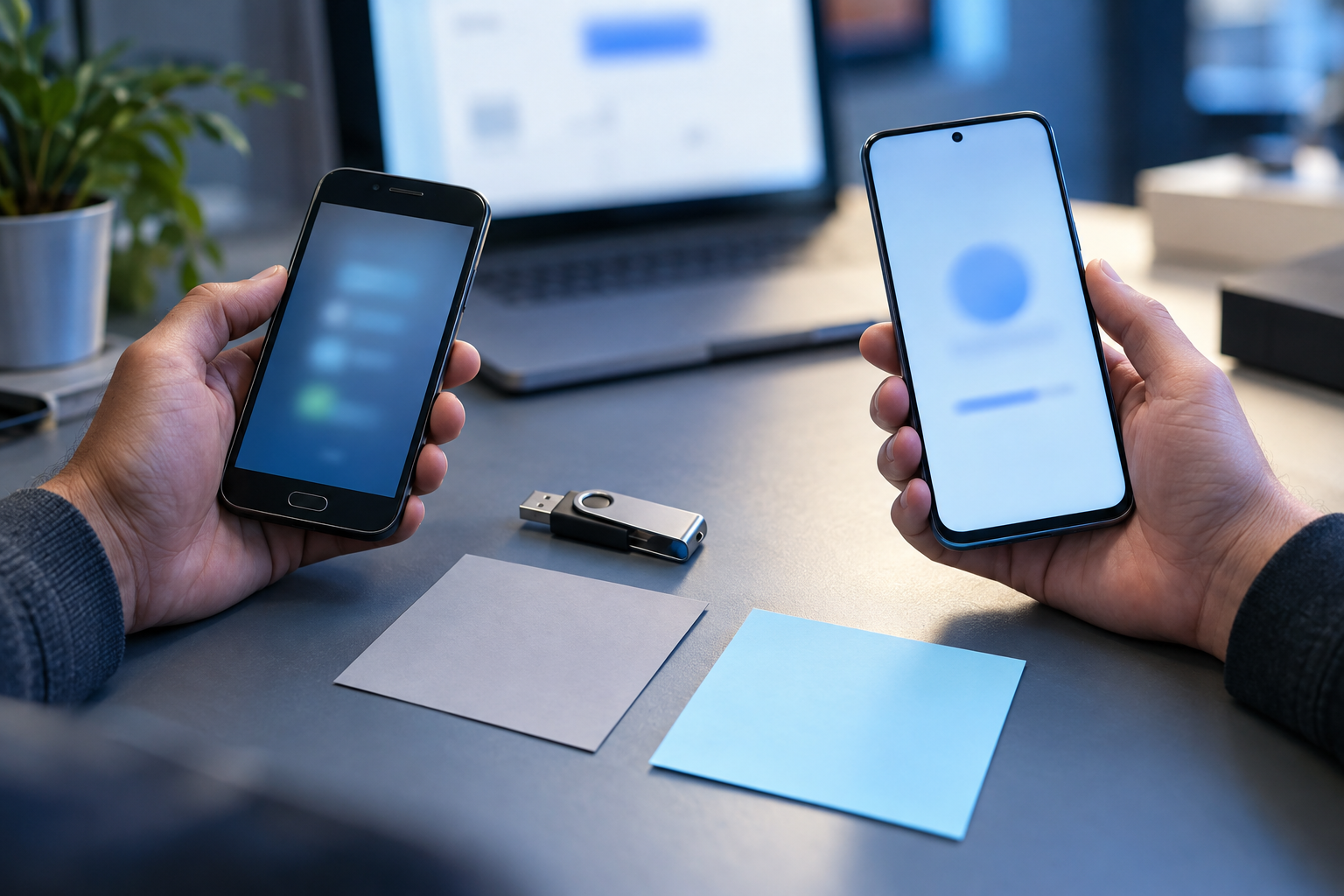
Samsung Secure Folder, Android device backup and a third-party vault are separate systems. Record the phone model, One UI/Android version, account state, app version and tested export route before changing or resetting the device.
01 / DECISIONProtect the Android vault migration without hiding ownership
A backup is useful only when an authorized person can restore the intended migration stage and verify it. Keep at least one independently stored recovery copy, protect it appropriately and run a fictional-file drill before relying on the workflow for phone change-critical migration evidence.
A Android phone owner freezes a pre-reset migration stage for device owner review. The team first proves the workflow with fictional phone files, documents each authorized role and preserves the working source separately.
Run the control sequence
- 01
Identify the migration stage and acceptable recovery point.
- 02
Create a separately stored protected backup under a named owner.
- 03
Use fictional files to test the complete restore procedure.
- 04
Restore into an isolated location and compare the manifest.
- 05
Document password, key and owner dependencies without recording secrets.
Preserve decision evidence
Record backup ID, source migration stage, location class, protection, owner, restore system, test date, manifest comparison, elapsed time, exception and next drill.
Stop when
- The backup shares the same device or failure domain.
- Password reset is assumed to decrypt an old archive.
- The restored copy has not been opened and compared.
The record should show the approved migration stage, tested environment, responsible people and known limitations without storing passwords or unnecessary Android vault migration content.
Separate the surrounding controls
Samsung/Android native Secure Folder is independent from third-party vaults; cannot bypass forgotten encryption keys. Encryption does not control Samsung Secure Folder, transfer encryption keys between unrelated vaults, preserve every backup or remove plaintext working copies automatically.
Android migration record questions
Can one vault unlock or recover another vault?
No. Samsung Secure Folder and third-party vaults have separate storage, credentials and recovery boundaries. Export only through supported controls while access still works.
Does resetting a password recover an existing archive?
Do not assume so. Document the product-specific recovery boundary and test a separate recovery copy.
Primary references
References support specific boundaries and do not imply endorsement.